Shape the space
Use room-shaping tools or upload and scale a floor plan.
Take a closer look
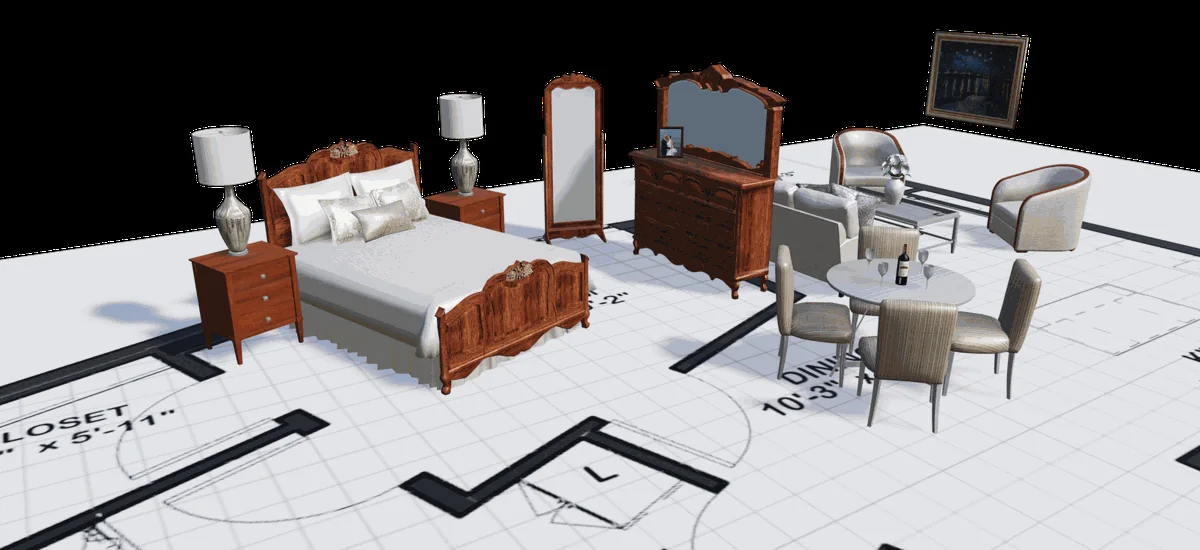
Upload and scale a floorplan, then shape the space around the project.

STEPS3D
Explore a space, refine a layout, collaborate with others and share a plan everyone can understand.

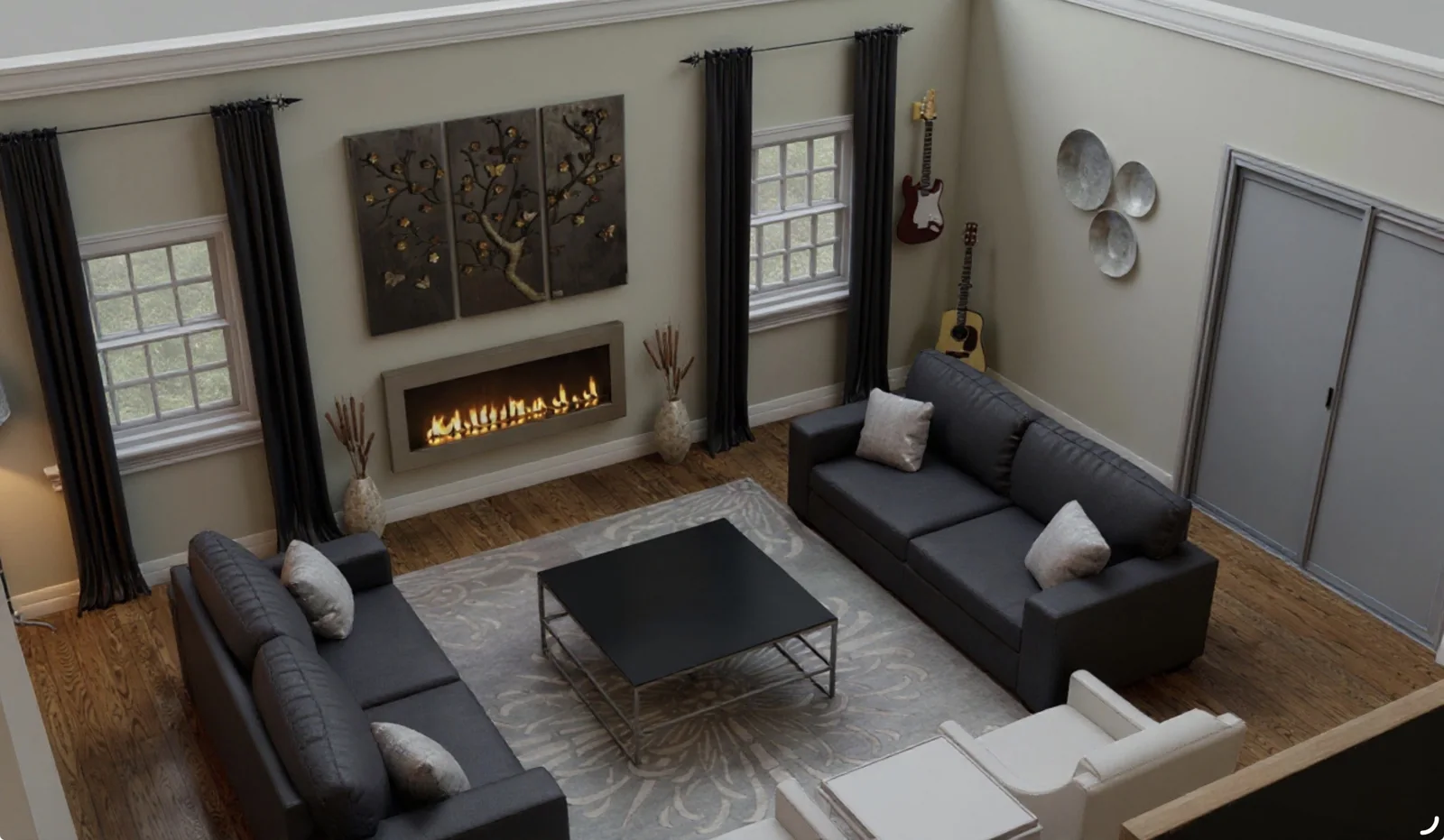
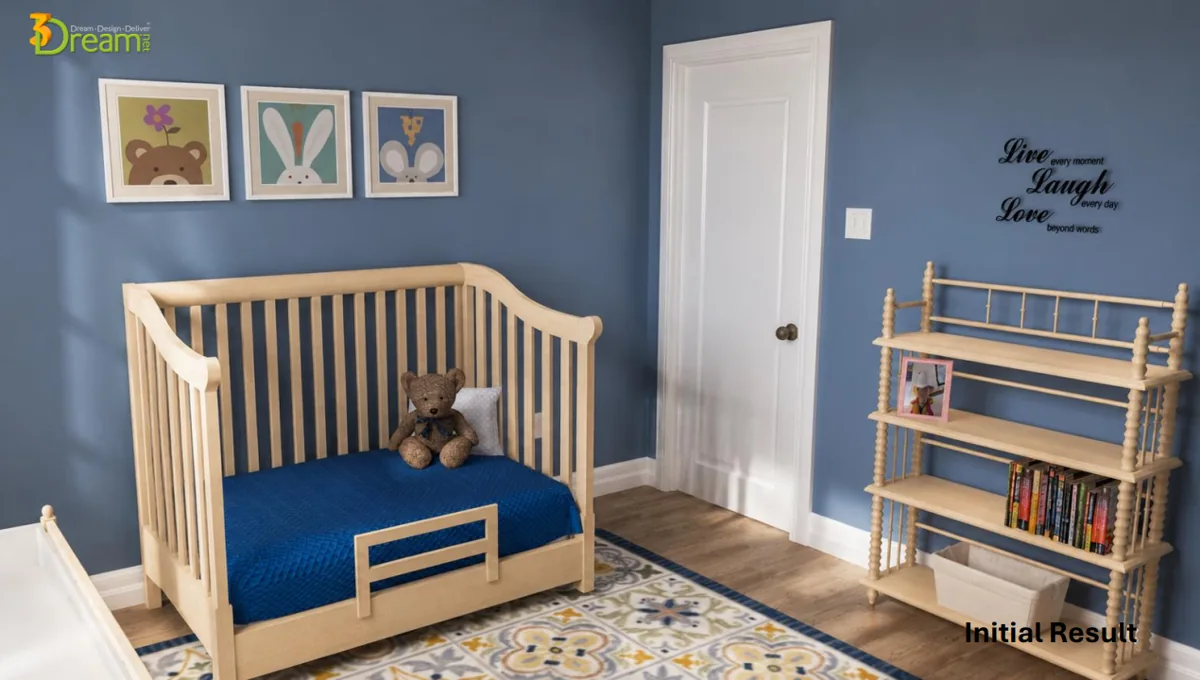
A clear workflow for the spaces and decisions you work with.
Use room-shaping tools or upload and scale a floor plan.
Upload and scale a floorplan, then shape the space around the project.
Experiment with product placement and swap items within the layout.
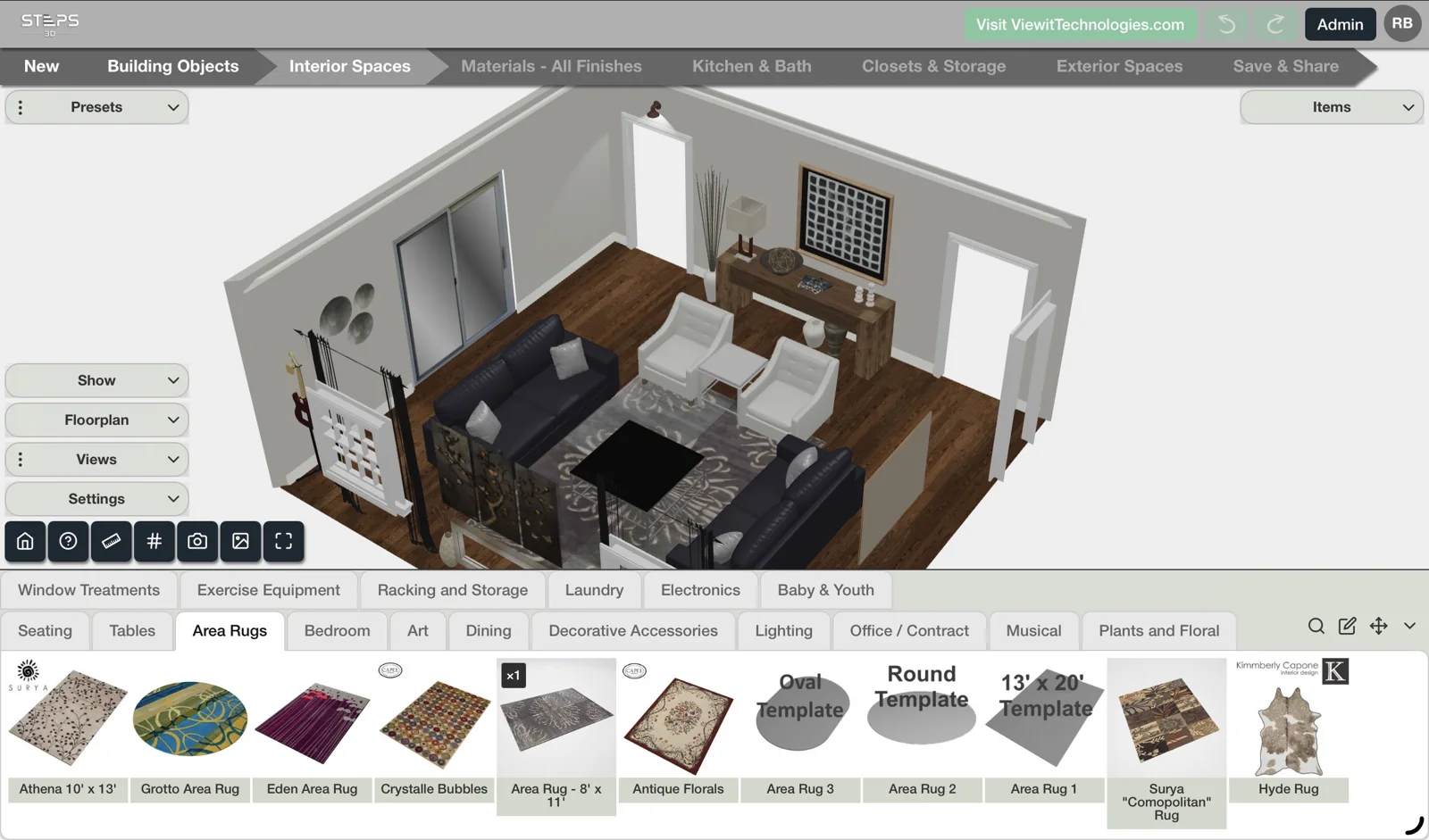
Move furniture and compare arrangements before choosing a direction.
Create snapshots, explore AI image enhancement and build project reports.
Create a snapshot or project report to keep everyone working from the same plan.
Choose your own starting point.
Communicate your vision and refine the details with clients.
For designersExplore furniture arrangements and help shoppers understand the complete room.
For retailersHelp new residents plan their new home with their own furniture.
For move managersKeep the measured plan and enhanced visual in the same conversation.
AI enhancement is for presentation. Confirm dimensions and placement in the planning tool.
Ask about current Steps3D access, subscriptions and setup for your team.